
Time Clock Software for Small Business
Free for 30 days. No credit card required.
What the time clock does
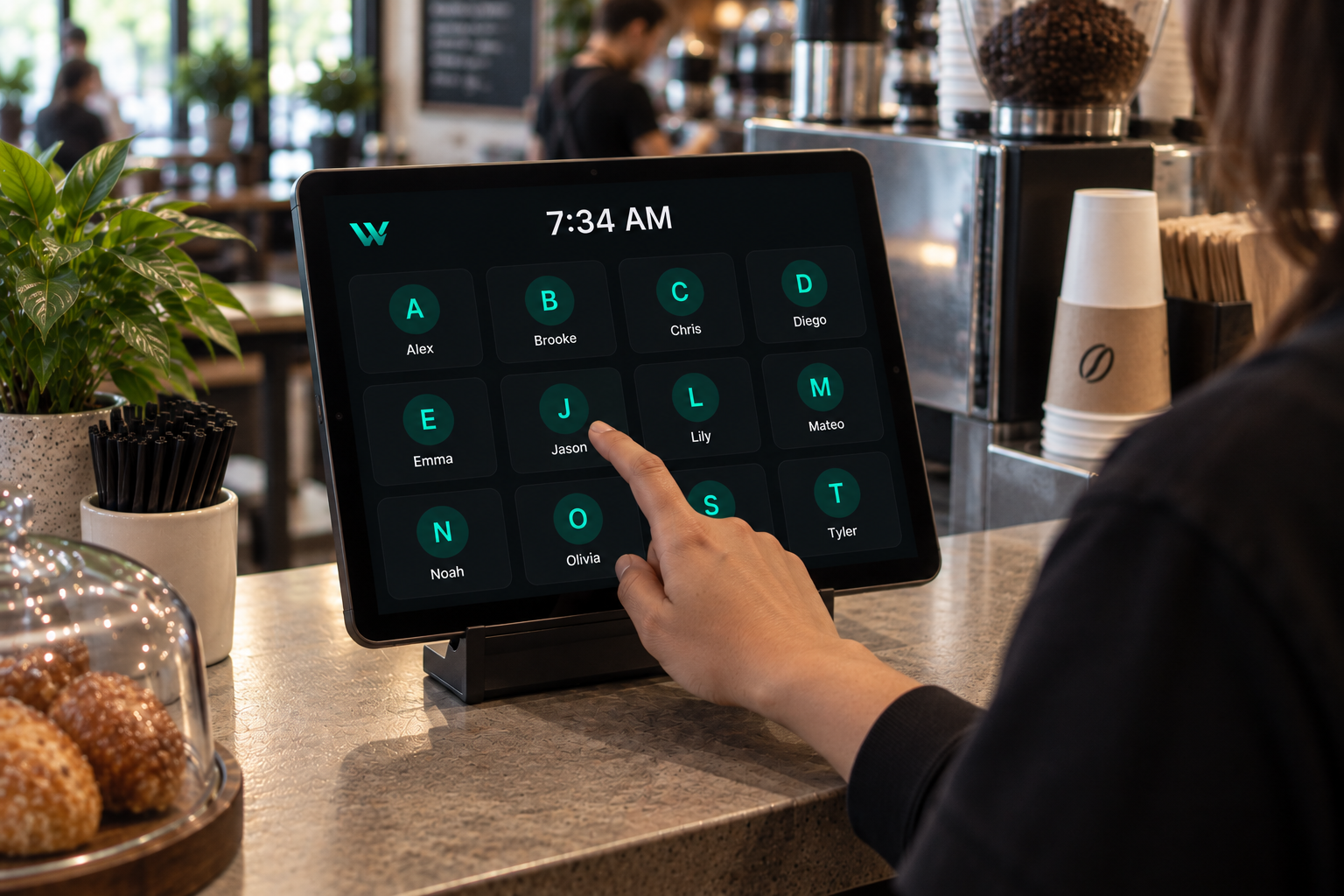
Shared tablet kiosk with PIN
Run Time Clock Mode on a tablet or spare phone at the entrance. Staff pick their name, enter a PIN, and punch in. No personal device or app store download needed.
One-tap clock in from a phone
Employees working off-site clock in and out from their own device. The running timer starts instantly and the entry is recorded as it happens.
Automatic break tracking
Breaks are started and ended on the clock, deducted from worked time, and shown on every time entry so paid and unpaid time stay clear.
Missed and late punch alerts
Forgotten clock-ins, punches outside business hours, and early or late punches are flagged against your own tolerance settings. Managers can log the correct time or dismiss the alert.
Payroll-ready hours
Finalize a pay period to lock an immutable snapshot of completed shifts, then export CSV. Shifts still in progress stay open and roll into the next period.
Nothing to install
WorkTalora runs in the browser and can be added to a home screen like an app. No time clock hardware, badges, or wiring to buy.
Getting your time clock running
- 1
Set up your business hours
Create your company, set opening hours, positions, and how many minutes early or late counts as a punch problem.
- 2
Add your team and PINs
Invite employees by email or share a join code. Each person gets a PIN for kiosk clock in.
- 3
Choose how people punch
Leave a tablet in Time Clock Mode at the door, let staff use their own phones, or do both.
- 4
Review and export
Check time entries and alerts through the week, finalize the pay period, and export the hours for payroll.
Kiosk clock in vs. clocking in by phone
| Shared tablet kiosk | Employee phone | |
|---|---|---|
| Best for | One fixed site: cafe, shop, salon, clinic | Crews, drivers, multiple locations |
| How they punch | Pick a name, enter a PIN | One tap on their own screen |
| Personal device needed | No | Yes |
| Breaks and alerts | Included | Included |
You can use both at once, and the hours land in the same place either way.
Time clock questions
What is time clock software?
It replaces a punch clock or paper timesheet: employees record the moment they start and finish work, breaks are tracked, and totals are calculated for you instead of being added up by hand.
How much does time clock software cost for a small business?
WorkTalora is $24/month for up to 10 active employees, $59/month for up to 20, and $99/month for unlimited. Every company starts with a 30-day free trial and no credit card.
Can employees clock in on a shared tablet instead of their own phone?
Yes. Time Clock Mode turns a tablet or spare phone into a kiosk where staff select their name and enter a PIN to clock in, clock out, and take breaks.
What happens if someone forgets to clock in?
The shift is flagged as a missing clock in. A manager can log the correct time, which clears the alert, or dismiss the alert if no time should be recorded.
Does it also handle scheduling?
Yes. Schedules and the time clock are in the same place, so punches are compared to the shift each person was scheduled for.
Do I need special time clock hardware?
No. Any phone, tablet, or computer with a browser works. There is no terminal, badge reader, or installation to pay for.
Stop adding up timesheets by hand
Start your 30-day free trial, set up PINs for your team, and have people punching in today.